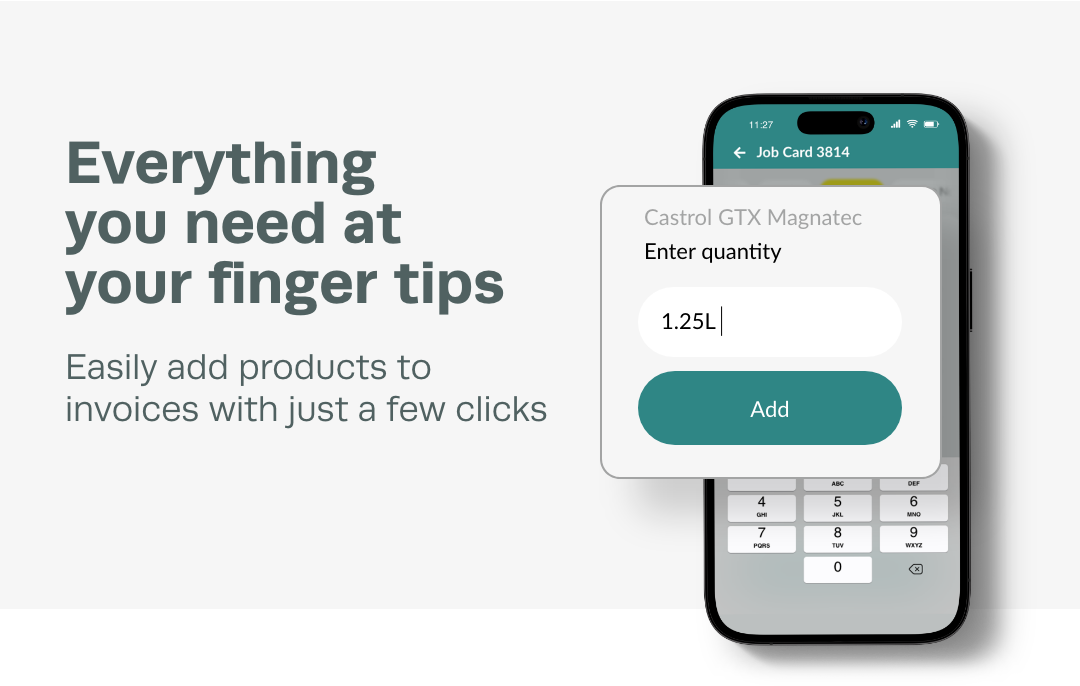
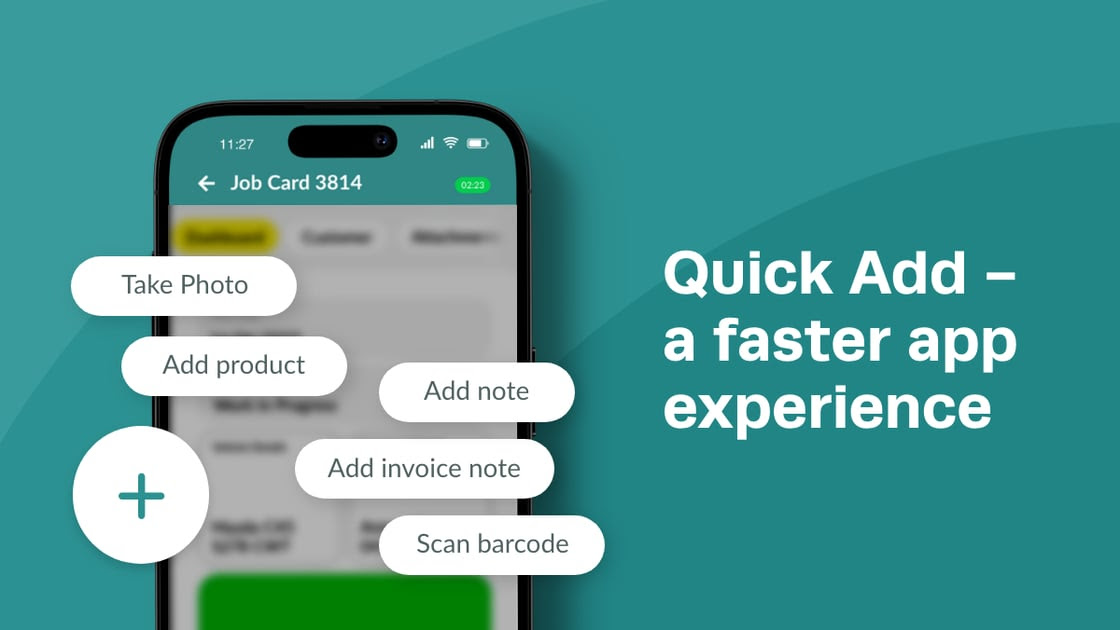
We’ve re-factored the whole app to ensure the latest and greatest use of technology is used in the mobile app. Last year we invested heavily in our infrastructure updates in relation to hardware and our web application, and now we’ve re-written the whole mobile app to the latest technology. This update will be the foundation stone for future enhancements and updates to the app and provides a platform for us to deliver even better and faster updates to you in the future.
iPad and Android Tablet Support You’ve been asking for us to implement this, and now we have delivered. We are excited to announce that one of the main features of this new update is iPad and Android Tablet support. This will put even more power into the hands of technicians and business owners. Now, everything that you can do on the Mobile Phone App can now be done on an iPad or tablet. This will greatly increase productivity and give you even more efficiencies in your workshop.
What you’ll get Some of the enhancements you will see with this new release:
Leading technology to ensure the best security.
Performance improvements.
Fixes an issue with some versions of android phones.
iPad and Android tablet support.
Upload multiple photos at a time. This is something that has been requested by our users.
A new foundation for future updates and improvements.
Updates:
Fixed an issue where the Stock Value Report was not grouping correctly when printed.
Increased the amount of service advisors visible in the Checked On field for the Loan Car Diary.
Fixed an issue where file attachments sent out with incorrect file extensions could corrupt email text formatting.
Changed loan car bookings so they can still be accessed even if the attached job is deleted.
Updated the scheduled hours fields for employees so that you can type in the time or use the built in time picker.
Fixed an issue where removing a discount from a booking could cause the booking to not save.
Removed 'Registration Not Verified' tag for New Zealand accounts using Rego Lookup.
Fixed graphic issue where the Group field drop down would overlap product details when there was a long list of groups.
Member Numbers - If you use a membership system with your customers you can now record this information in Workshop Software! The member number title can be customised and will show on all relevant reports.
Updates:
Updated our billing service to automatically send out invoices for single use purchases like SMS/Text and Registration Lookups.
Fixed an issue where Inspection Comments were not printing on the Inspection report.
Updated the Print Labour Style invoice format to accommodate New Zealand mobile numbers.
Fixed an issue where some accounts were printing a previously entered email address as the business email on printed invoices.
Fixed an issue where special characters used in Job Card Item Notes could block the Print Jobs for Day process.
Changed the WPAY integration process to allow for changes made to the Merchant ID.
Updated the Westpac terminal integration to allow for more attempts when entering the manager password for a refund over $100.
Updated banner message for uploading an image or video that is above the size limit for better clarity.
Important improvements to the stability of the reports server. This will create a more robust operating system for reports and has better error and issue handling. In the unlikely event that there is an issue with the reporting system, Workshop Software now supports more robust handling of issues to prevent any performance degradation.
Copy Attachments, now when copying an invoice you have the option to also copy the attachments from the original.
Updates:
Resolved an issue where it was possible to process a payment and the screen would refresh to create another rather than showing you the processed payment.
Fixed an issue that would stop supplier invoices from voiding if there was a unit acquisition on the invoice.
Job cards generated through Print Jobs for Date on the Dashboard will now have the barcode in the same place as printing an individual job card.
Fixed an issue where inactive products could show in the product list if it shared the same item code with another product.
The Stock Take can now be ordered by the 'On Hand' column. This will also order the printed version.
Improved the Activity Log to show date and time stamps when an action is taken with a job card or invoice.
Changed the Mechanic Time Log to order by Begin Date for better readability.
Resolved an issue where splitting a bundle across two invoices could cause the second invoice to print incorrectly.
Improved Booking Diary performance.
Resolved an issue where it was possible to send out a Public Booking request approval with the incorrect date in the email subject. This could occur when making a change to the initial date requested.
Invoice totals have been updated to allow for large amounts to display better.
Resolved an issue where the WPAY settings could become inaccessible.
Product Price File - import products from a catalogue that are excluded from general searches. Price file products will appear when entering the exact item code, ensuring your searches remain streamlined and efficient, while still providing easy access to these products when necessary.
Added Engine Code to Job Cards.
Added phone number formatting to invoices.
Updates:
Resolved an issue where job card signatures were not showing on the printed job card.
Longer Item Codes will now show the complete code on reports and invoices.
Issues with connecting Westpac terminals and making payments has been resolved.
Improved MYOB errors in the Event Log for clearer reporting.
Cleaned up unnecessary "unsaved data" messages.
Redirected the email verification landing page to appropriate server.
Fixed an issue stopping video attachments from being sent without sending the invoice.
Updated Stock Take to retain the correct page number when changing filters.
Fixed an issue where multiple tax lines were not printing on invoices if more than one tax type was used.
Changed the language of the red bar error when trying to delete an invoice that has a deposit associated. This will now be clearer rather than showing a generic error.
Fixed an issue where ordered parts could be prematurely marked as received. All ordered parts will be marked as "On Order" until the supplier invoice is processed.
Updated Queensland rego lookup.
Resolved a Reserved Stock calculation error when adding a bundle to an invoice. The bundle header (bundle name) will show the correct quantity.
Increased Reserved Stock calculation efficiency to complete in a shorter time frame.
Updated SMS integration to be in line with US regulation. US accounts only.
Updated functions to streamline Workshop Software.
The January update for Workshop Software is here and it is packed with new features and updates! Check out our blog post for a quick video showcasing these new features.
New Features:
Email Verification - use your own email address to send out communication from Workshop Software.
Transaction Centre - check out the expanded Job Centre to manage all of your transactions.
No Tax Option - when using a 0% tax rate the tax field is removed from the software and printed invoices.
Updates:
Towards the end of 2023 we released a text editor. Based on feedback received we have reworked this to increase the font size for job card notes and invoice notes.
Updated the SMS Logs to show the SMS User and Date Sent.
When syncing records to MYOB, if the Street Address is too long it will automatically be cut off to allow syncing to continue.
Updated the Work in Progress Report to allow longer job card numbers to show without losing any digits.
Updated the printed job card to allow longer serial numbers to show without losing any digits.
Resolved an issue where Prevent Split Notes was not functioning for Dealership.
Resolved an issue that was blocking Stripe email payment requests from being sent out.
Fixed an issue that was stopping some products from being deleted.
Updated the More/Add Products window to allow special characters when creating a new product in this way.
Fixed the "Back to Grid" button on bookings to allow the assigned vehicle to be changed.
Resolved an issue that caused some processed invoices to redirect to a blank new invoice when selected.
Cleaned up the Vehicle Visuals event report to better highlight potential issues.
Resolved an issue that was stopping new integrations with MailChimp from being set up.
Fixed an issue where Head Office accounts where not able to access Company Settings.
Resolved an issue where vehicle history shared between branches was not accessible.
Some US users are unable to upload information to Carfax. We have implemented comprehensive logs to further investigate this issue to aid in finding a solution.
We have made a change to the purchasing of DVLA and Post Code Lookups in the UK to stop accidental duplicate purchases.
Removed deprecated functions to streamline Workshop Software.
Updated the Import function to show all Vehicle History Items/Lines data.
We've re-created the mobile app to deliver you more functionality in an easier to use interface. This update is a new standard for the Workshop Software mobile app, with a plan to continue to grow and evolve the App even more in the future.Edit Products on an Invoice
One of the exciting new features is the ability to add/edit and delete products from an invoice. We've had lots of clients ask for this functionality and the new app delivers. This will help your workshop be even more efficient with Workshop Software and allow your team to manage jobs from the palm of their hand. New Look and FeelThe new look makes it easier to navigate and use. You'll find it much easier to understand and know where you are, and get to the places you want quicker.What you need to know
Ensure you watch the video and understand the new settings to activate some of the new features. You'll also need to update the app from the Apple or Google Play stores. As always, we are working on ways to enhance your experience further and help your workshop be the leader.
Resolved an issue where some users intermittently were not able to create a new product.
Improved online booking system where phone number was used multiple times. In some instances, the wrong customer could be used if the same phone number was used multiple times for different customer records.
Loan Car improvement. The loan car status was not updating in the Booking Diary when all loan cars are booked out for the day.
Resolved an issue where generating a Sales report and setting Search By to Invoice Number would not create the report.
Resolved an issue where the Finalised/Work inspection tile was not opening that list of inspections.
Improved customer and supplier indexes to increase system performance.
Removed deprecated functions to streamline Workshop Software.
Resolved an issue that made the Xero integration settings page inaccessible.
Some users reported finding an incorrect vehicle assigned to certain job cards. This has been resolved.
There was an issue where double clicking a vehicle to attach it to a job card was not responding but single clicking was. This has been changed so that either method will work.
Fixed an issue where Supplier Biller payments were not picking up the invoices for suppliers attached to that Supplier Biller.